¶ IR3V2 Introduction Guide
After you receive the printer, please first refer to the instructions below and the unpacking video to install the printer and complete the printing preparations.
IR3V2 Installation Guide
¶ Preparations Before Printing
-
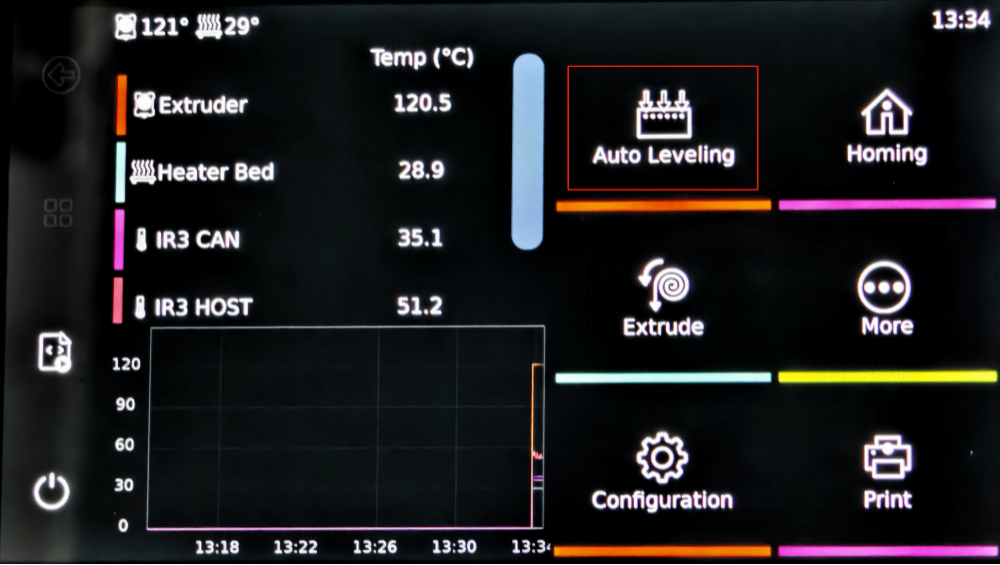
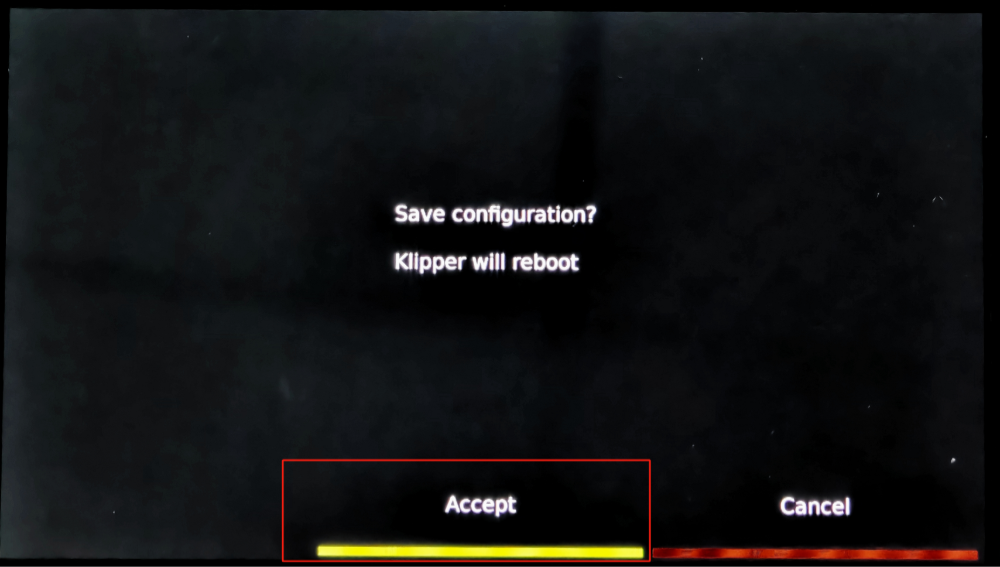
Auto Leveling and Save config
-
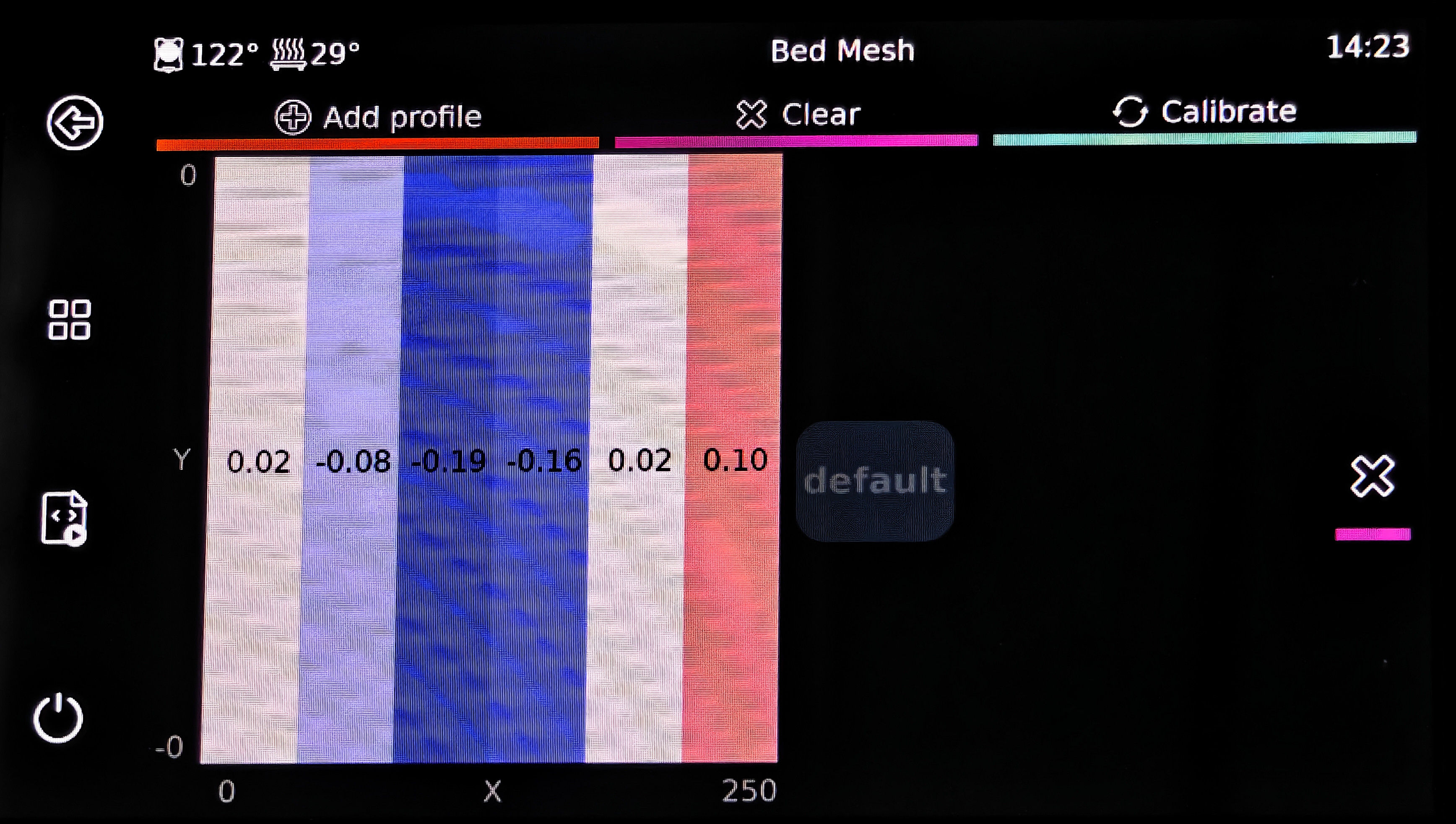
Check Bed Mesh data, Reference Leveling Guide Adjustment.
-
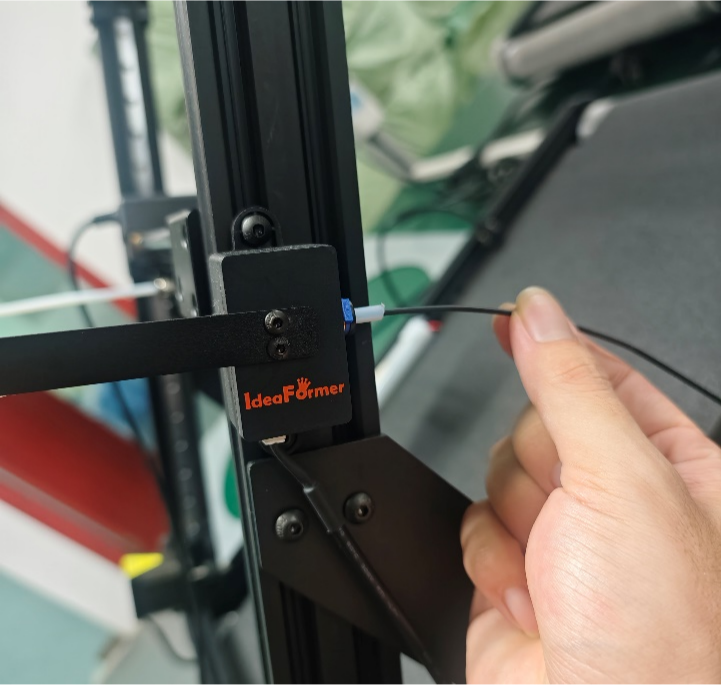
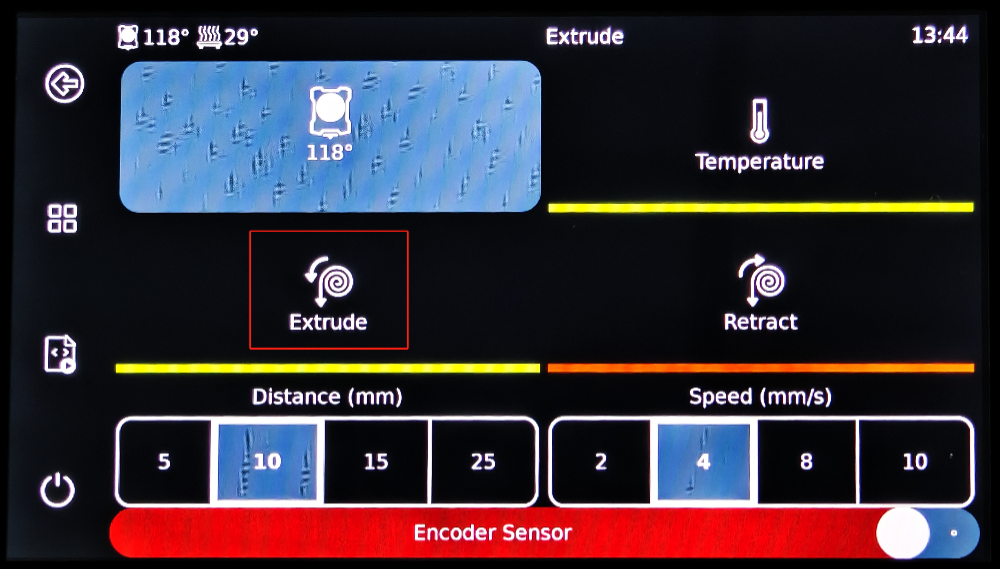
Load filament, Insert the filament into the print head.

-
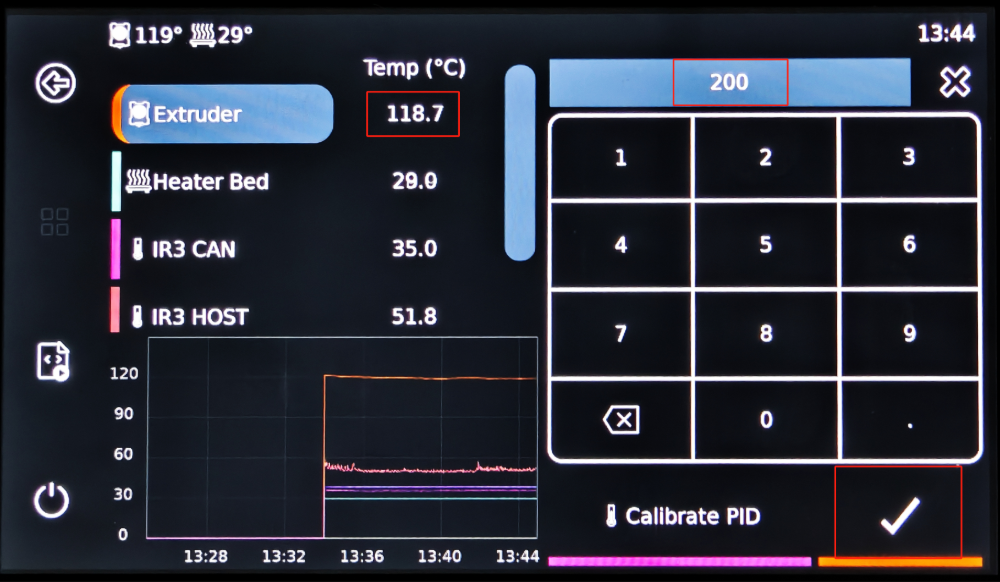
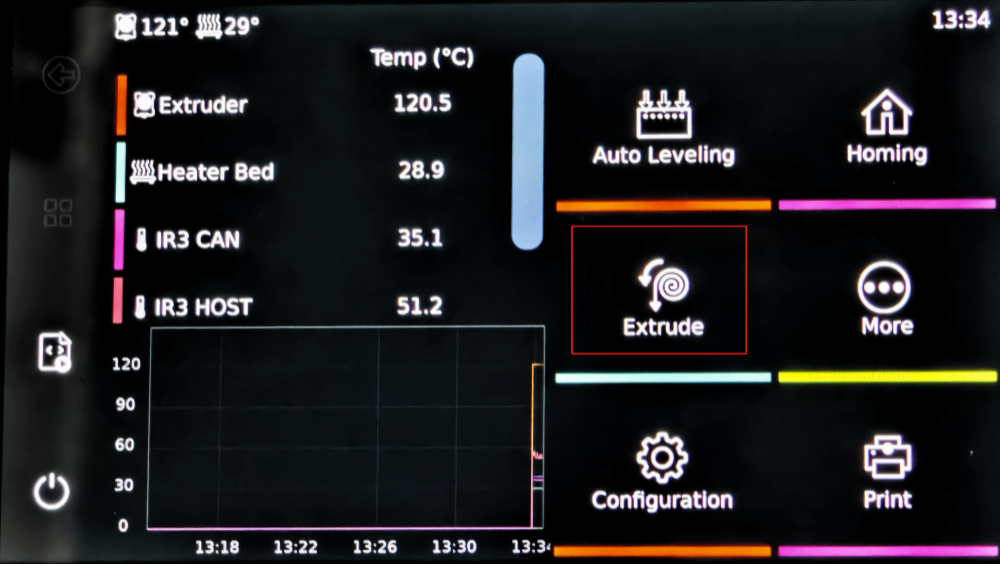
Heat and extrude the filament.
¶ First print
-
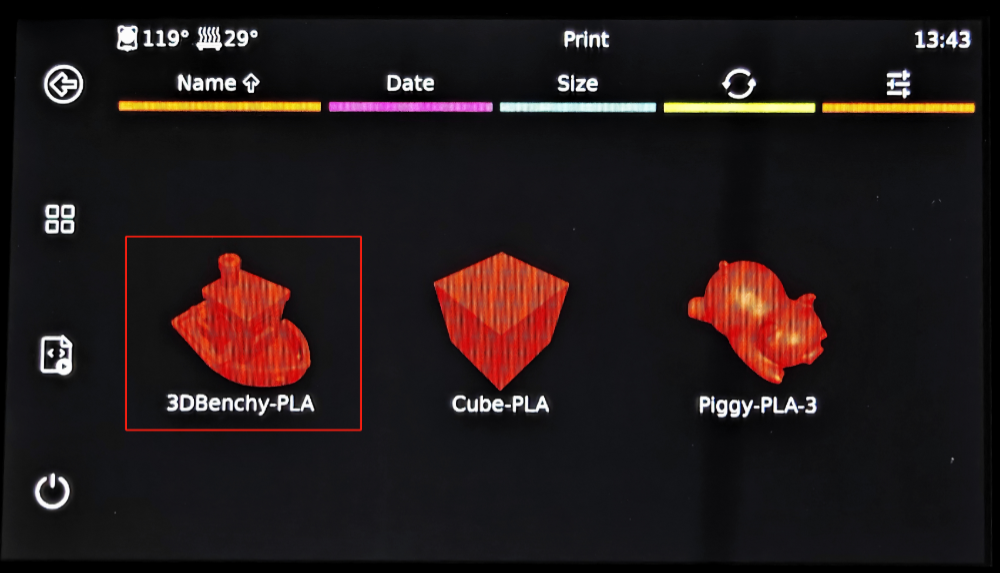
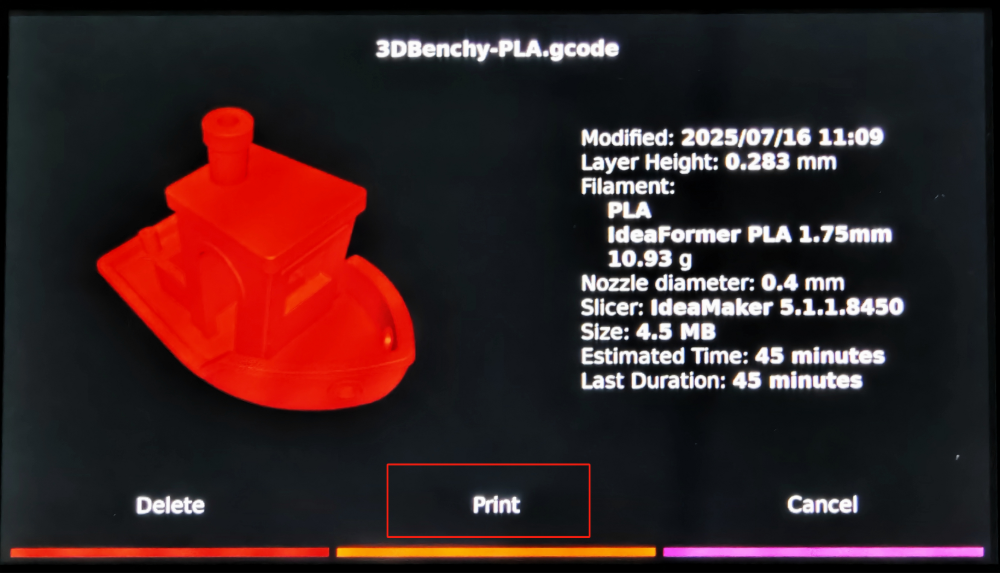
Select the built-in small boat G-code for testing the print, to check if the machine operates normally and the print quality is satisfactory.
¶ Slicer IdeaMaker User Guide
Video Guide
Click to Jump ideaMaker Installation and slicing steps
Click to Jump IdeaMaker Basic operations and add support guide
¶ fluid monitoring printer
-
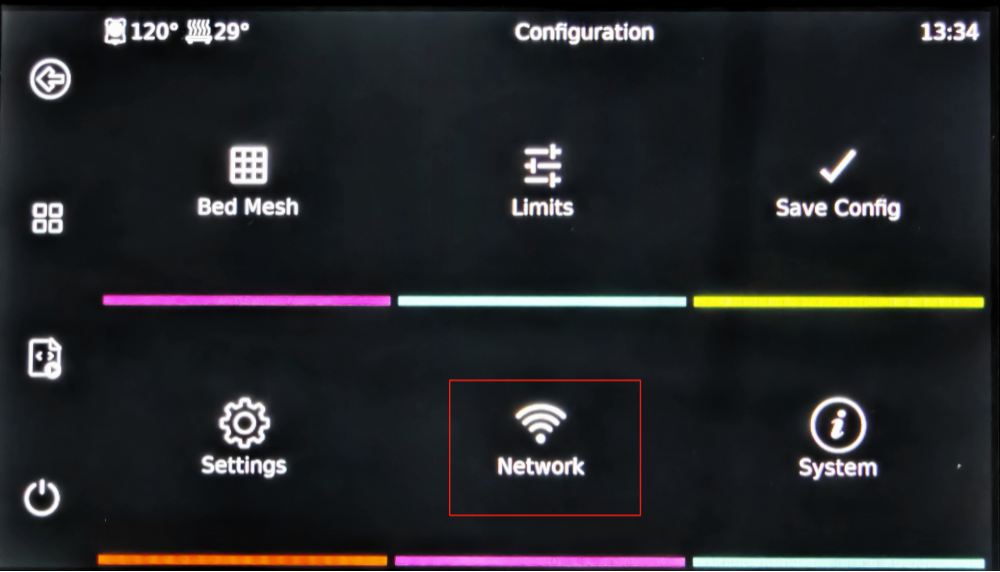
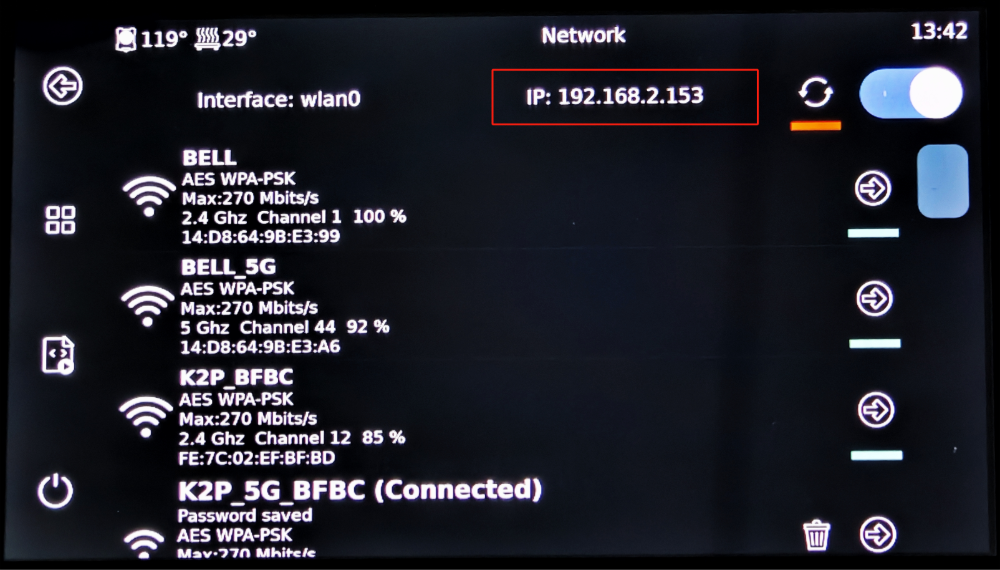
Connect the printer and the PC to the same WiFi network, and then check the IP address of the printer.
-
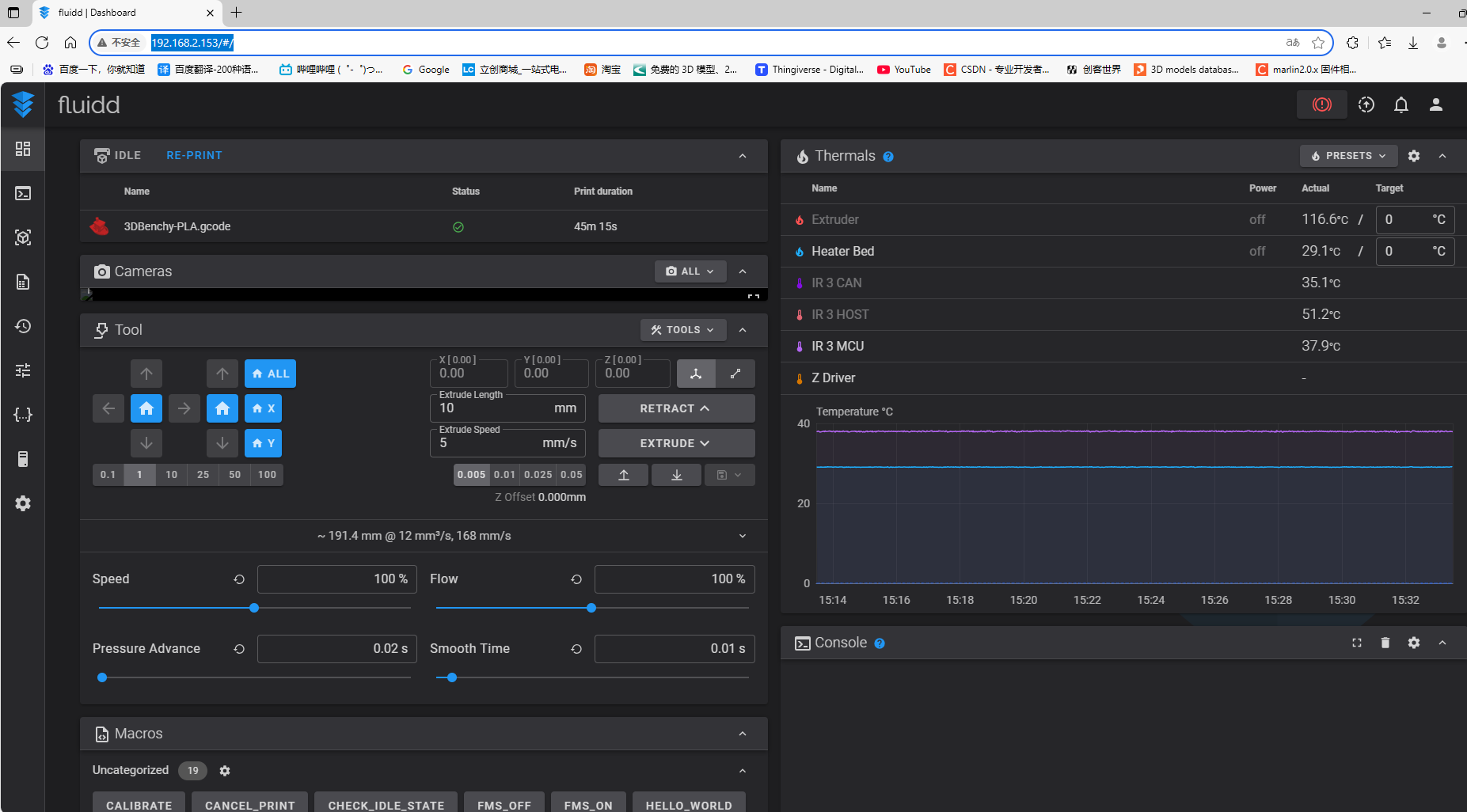
Enter the printer’s IP address in the browser and then access fluidd
-
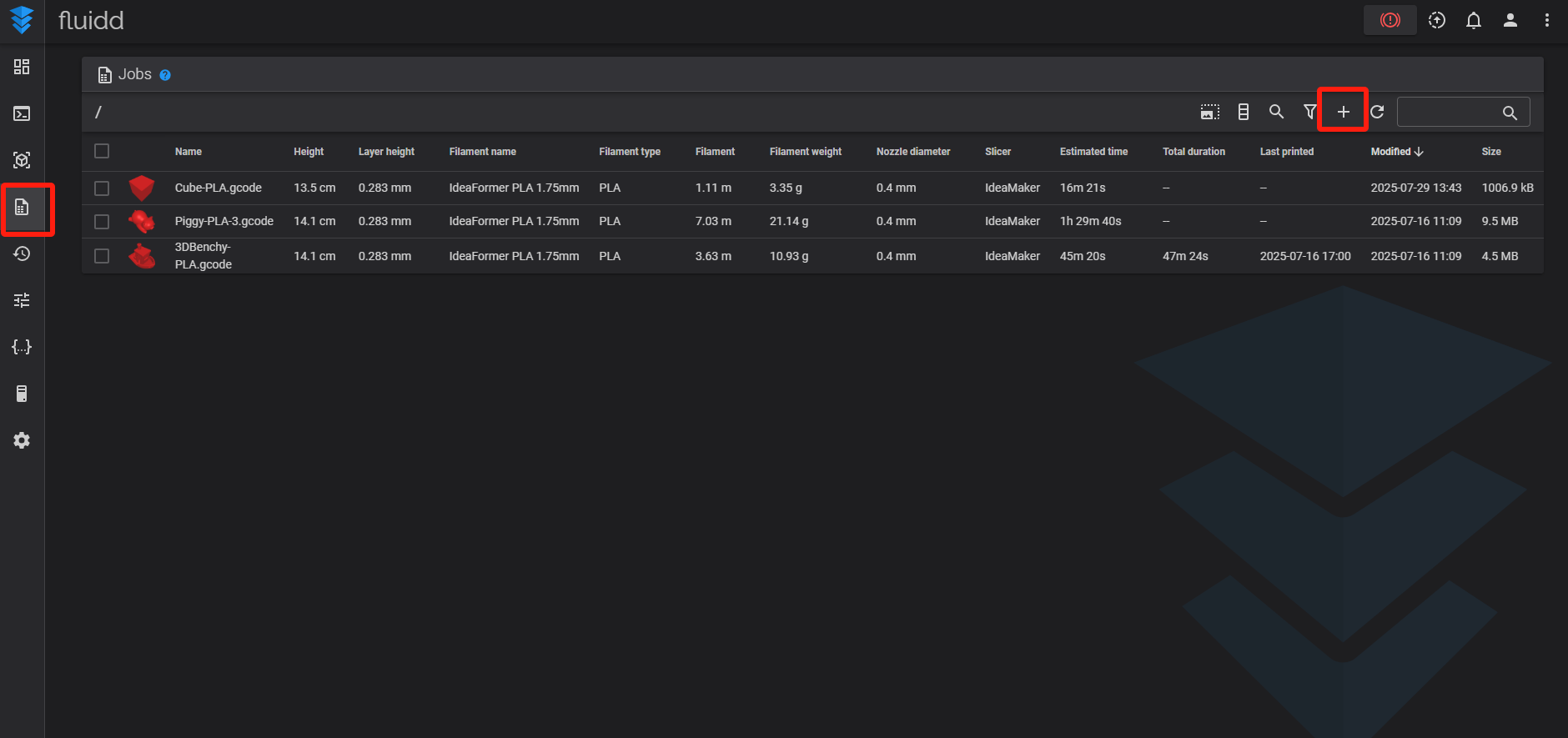
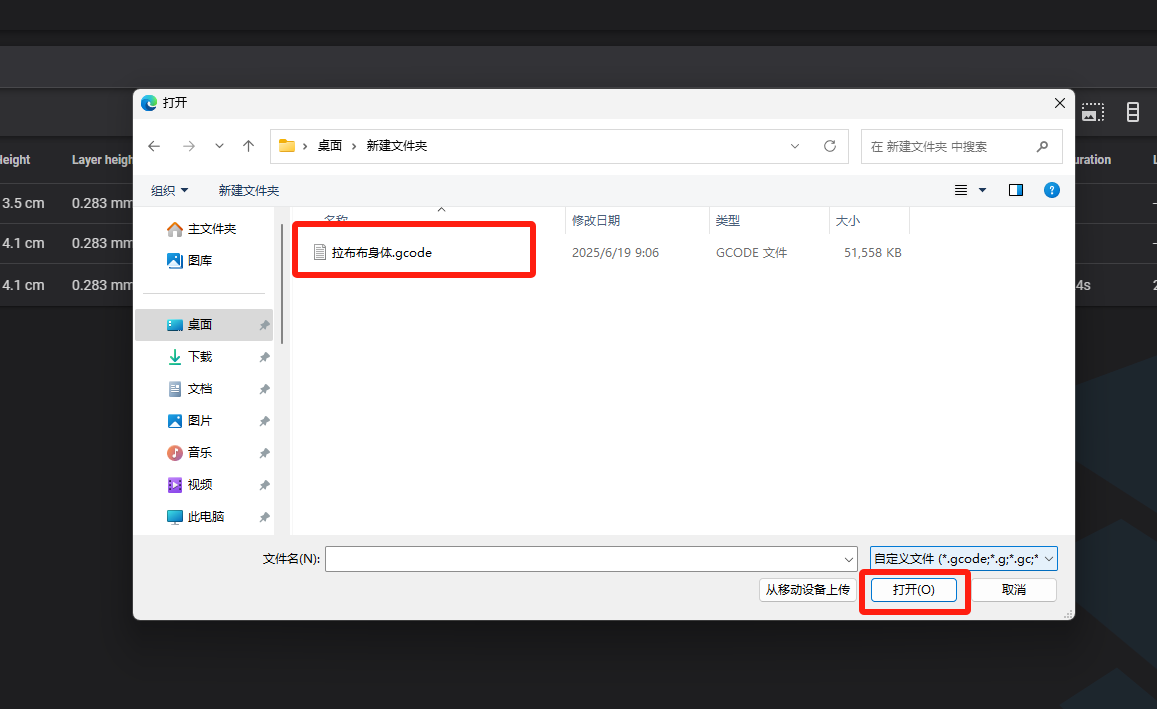
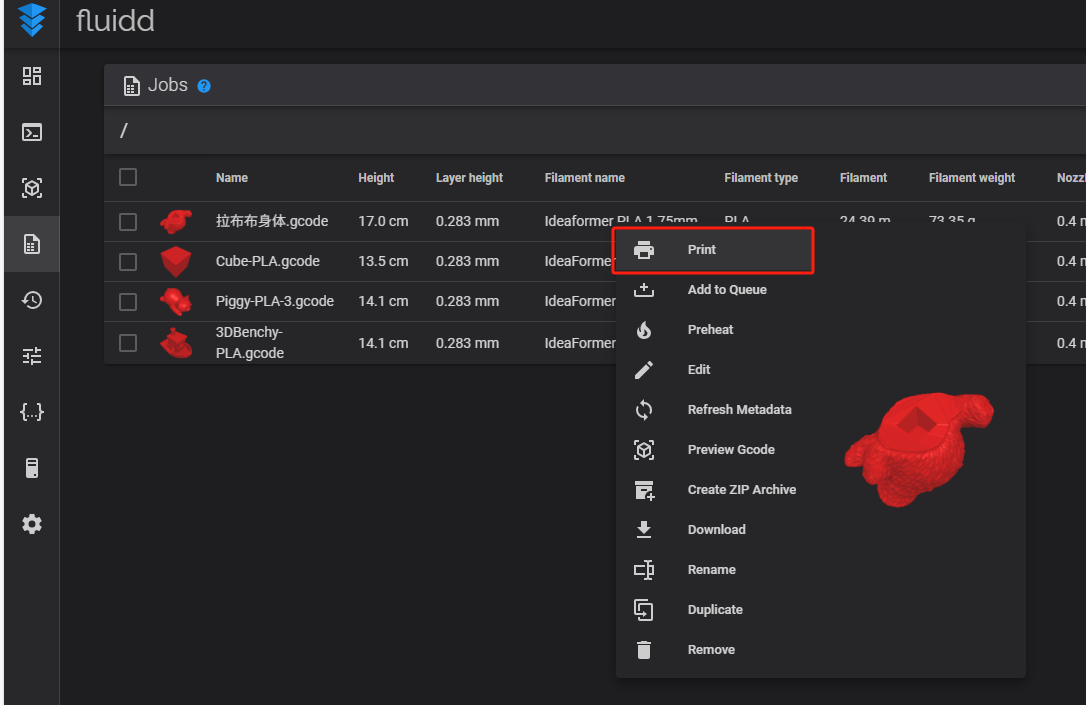
Upload the Gcode file and start the printing process.