¶ Introduction
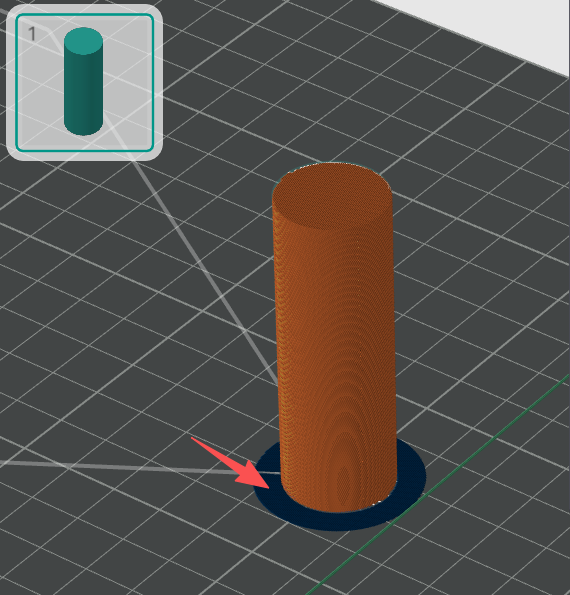
A brim is a single-layer flat area around the base of your model. Its purpose is to keep the edges of your print down and make the contact area between your print and the build plate bigger.
The bigger surface area allows your print to stick better on the build plate. This is pretty useful for tall and thin objects.
Brim can also help improve the bonding of the edges on the bottom of the model. Some materials tend to shrink easily when cooled down (such as ABS) and tend to warp easily. Having a brim of sufficient width will keep the model edges in place, preventing this warping.
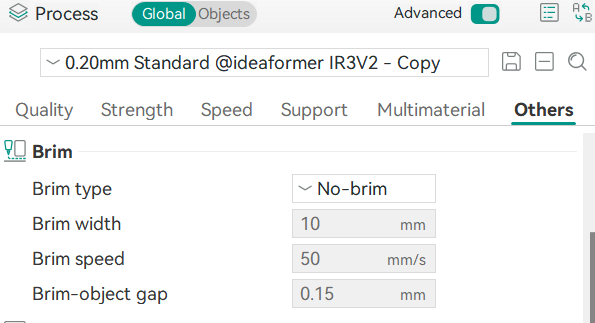
The brim parameters are in the Other group on the left sidebar. They are all per-object parameters, so you can set different values for each object.
¶ Brim Types
¶ Auto (default)
In this mode, IdeaFormer-Orca automatically analyzes each part of each individual object and generates a brim with the proper width for it. The following factors are mainly considered:
¶ The shape and orientation of parts
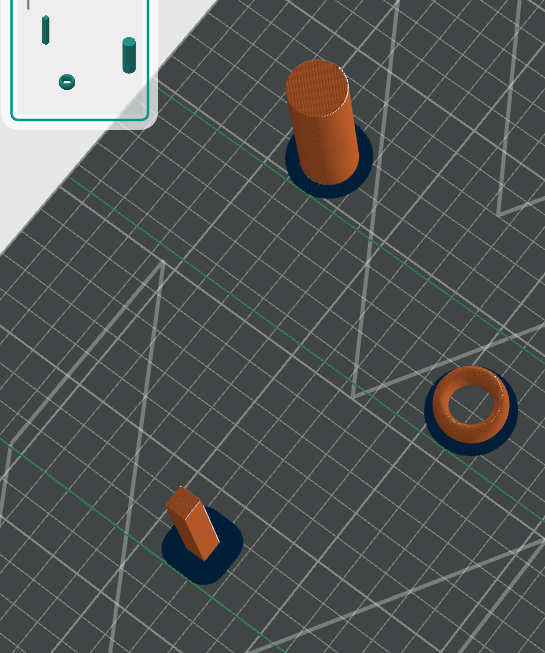
A taller part with a smaller footprint usually needs a wider brim to prevent itself from being toppled by the printer’s nozzle during printing. A taller part with a smaller footprint is easily detached from the heat bed as the part is cooling down and therefore needs a wider brim.
¶ Manual Brim
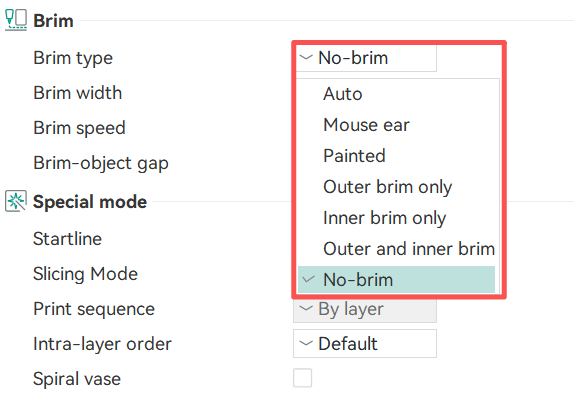
In addition to auto mode, you can also choose several other types of Manual Brim. Bambu Studio will generate Brim based on the “Brim width” parameter, which users can set according to actual situations. Manual Brims are divided into the following types:
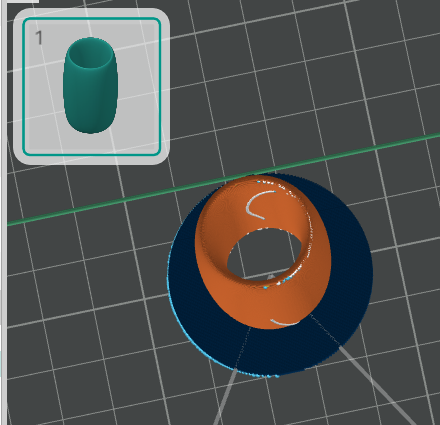
¶ Outer brim only
Generate Brim only around the outside of the object:
¶ Inner brim only
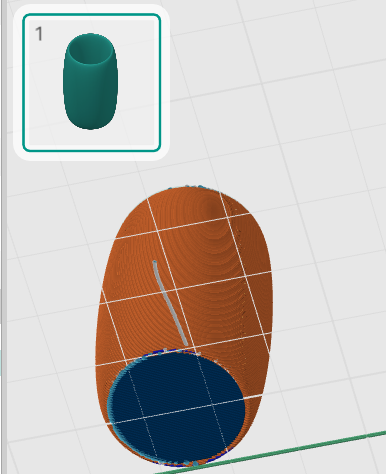
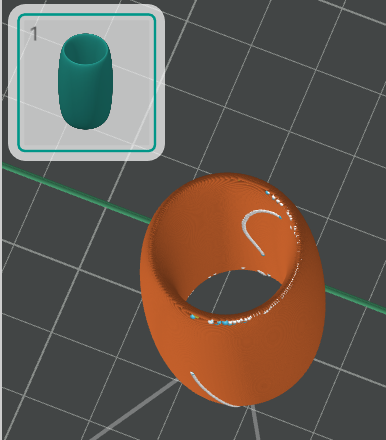
If the inside of the object is hollow, Brim is generated only around the inside of the object
Note: The inside brim can only be generated if the object itself has holes inside. If the object has no holes inside, or if it is only specially set to be hollow inside (such as using the Negative parts function), it will not be able to generate an inner brim after slicing.
¶ Outer and inner brim
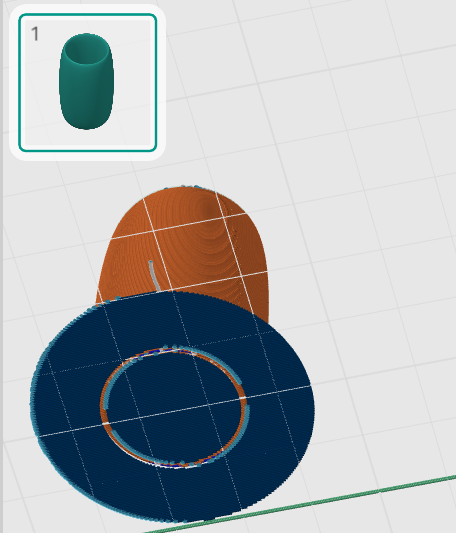
Brim will be generated around both the inside and outside of the object:
¶ No-brim
No brim will be genrated.
¶ Brim Width
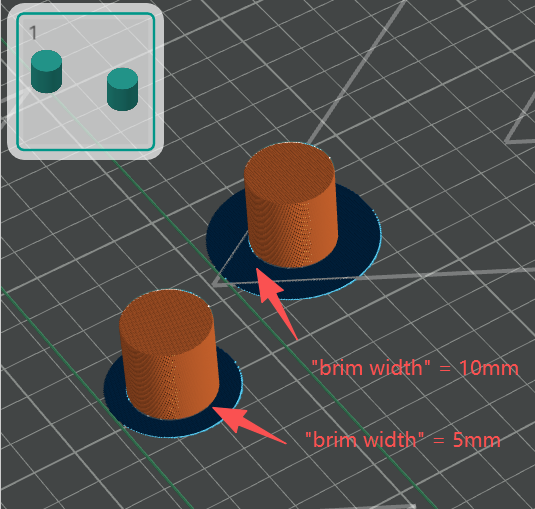
The desired width of the generated brim in Manual mode.
¶ Brim-Object Gap
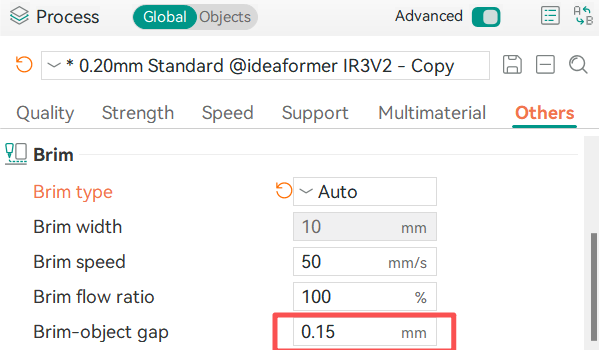
The desired gap between the object and its brim in both “Auto” and “Manual” modes. A smaller gap can improve the connection strength while a larger gap will make disassembling easier.