¶ Slicing Parameters
IdeaFormer-orca has hundreds of slicing parameters, which are used to adjust the behavior of the slicer process to produce desired printing effects. These parameters are divided into three categories: printer, filament and process.
In a category, once values for all parameters have been set, it can be saved as a parameter preset. For example, we can set all parameter values from printer category according to IdeaFormer IR3V2 and save it as a printer preset named “Ideaformer IR3V2 0.4 nozzle”.
For ease of use, IdeaFormer-orca provides some built-in presets for each category. Most of the time, you can easily select presets according to your requirements to meet basic slicing needs.
¶ Printer Presets
Before slicing, you need to select the correct printer preset according to your machine.
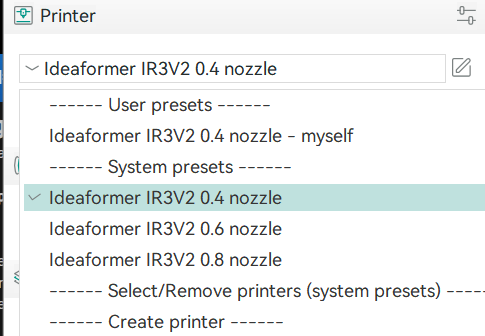
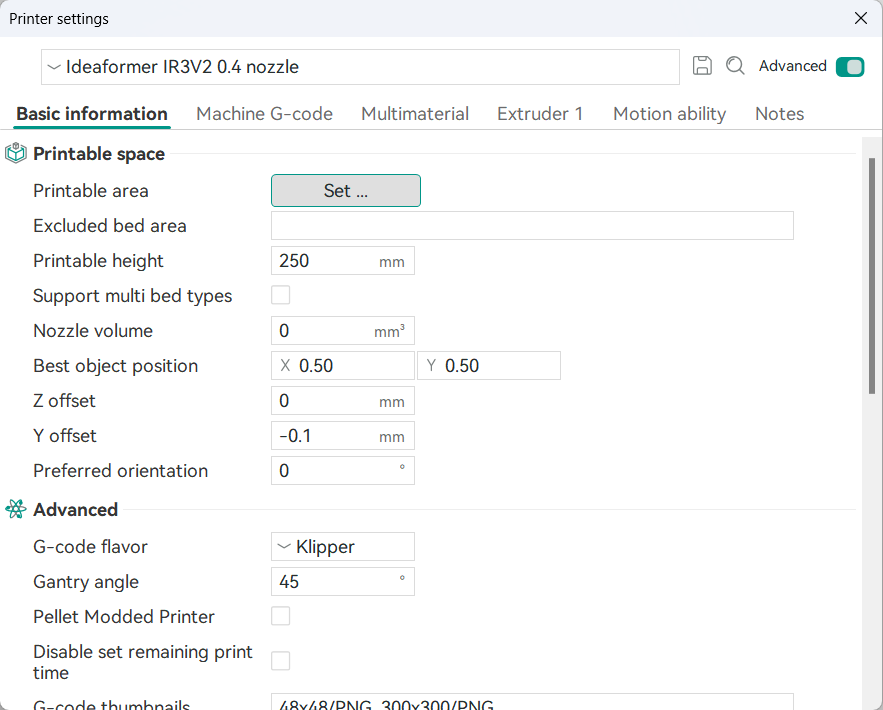
The printer preset contains all of the printer hardware settings, such as the maximum print speed of each axis, limitations of the print area, and the nozzle’s diameter.
¶ Filament presets
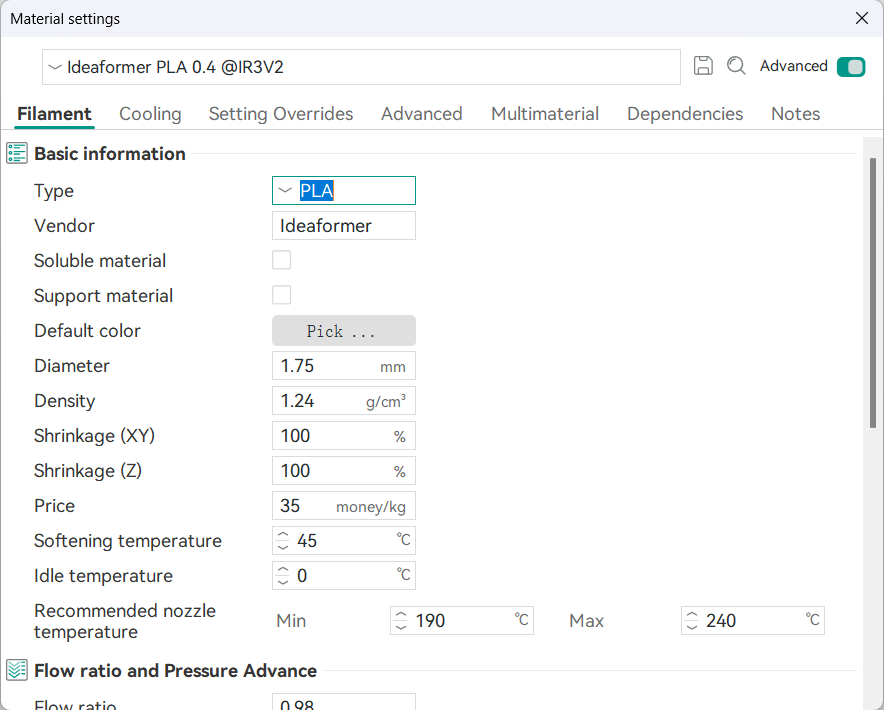
Filament presets contain all of the filament-specific settings, such as print temperature, hotbed temperature, and flow ratio.
¶ Process presets
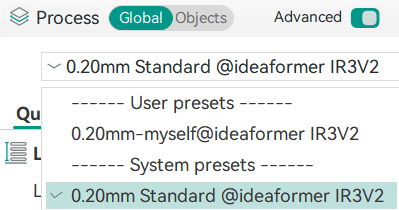
You can select the corresponding parameter settings according to your printing requirements here. The numbers in front represent the printing layer height. The smaller the layer height, the more detailed the printed model will be. The default standard parameter is 0.2mm.
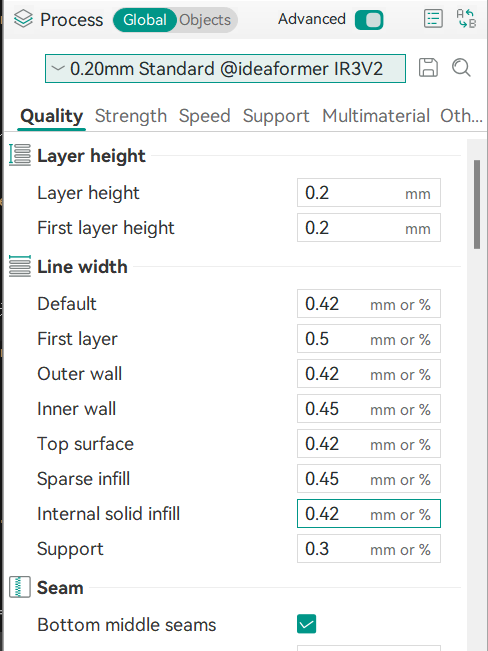
The process includes all the settings for specific printing tasks, and here you can adjust parameters such as quality, strength, speed, and support. (Note: It is not recommended for novice users to change the parameters at will.)
¶ Set Slicing Parameters
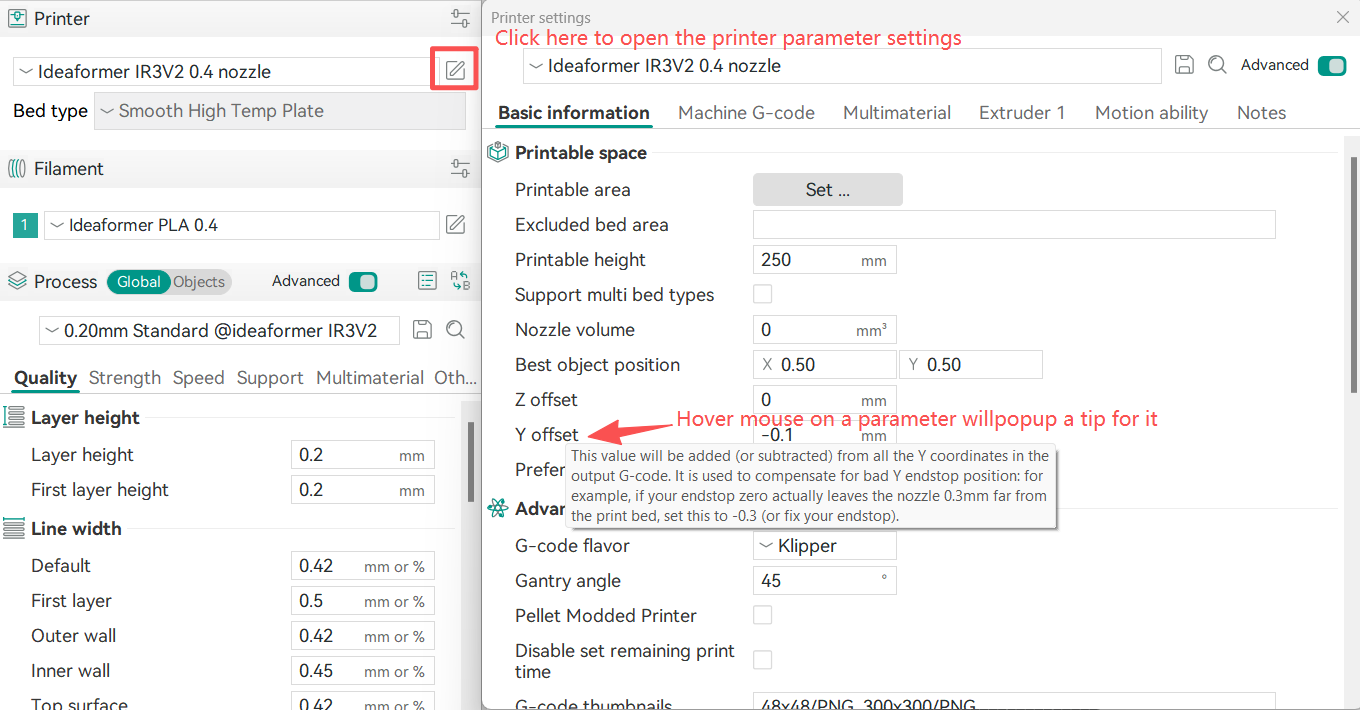
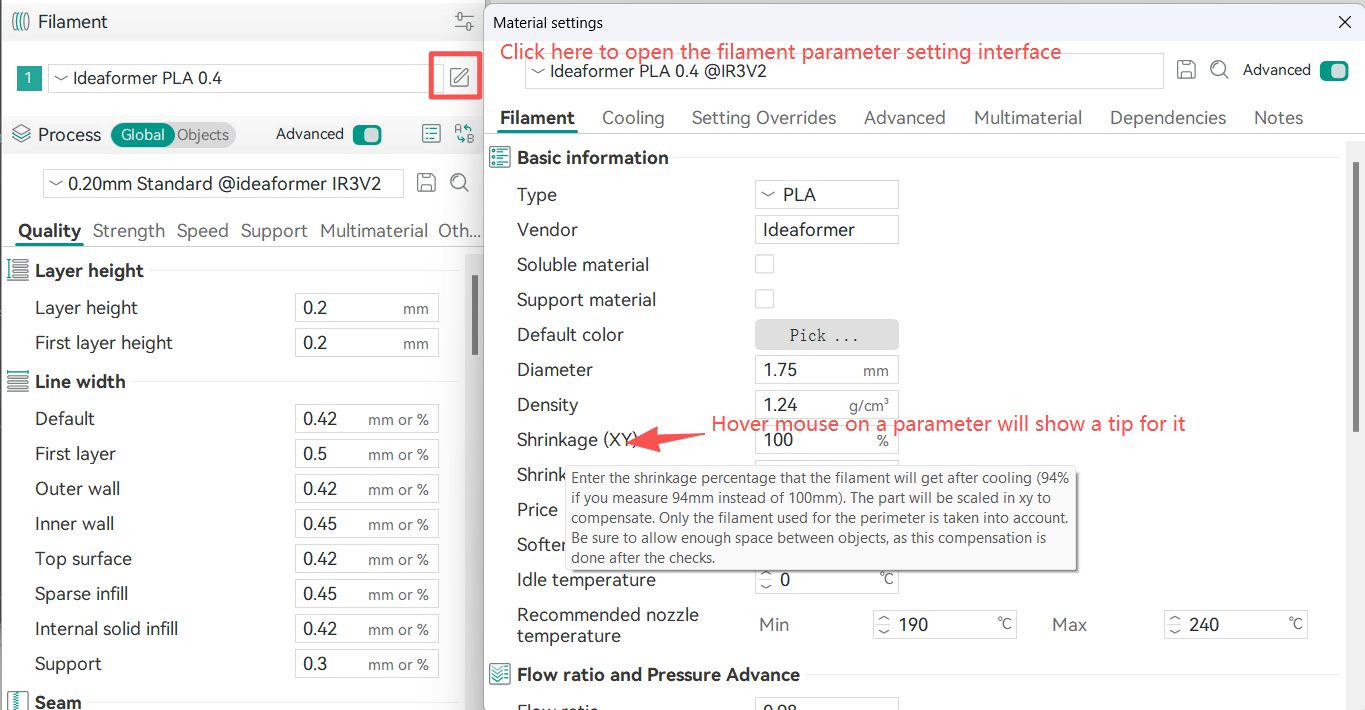
¶ Set Printer or Filament parameters
You can set the parameters according to the following pictures: