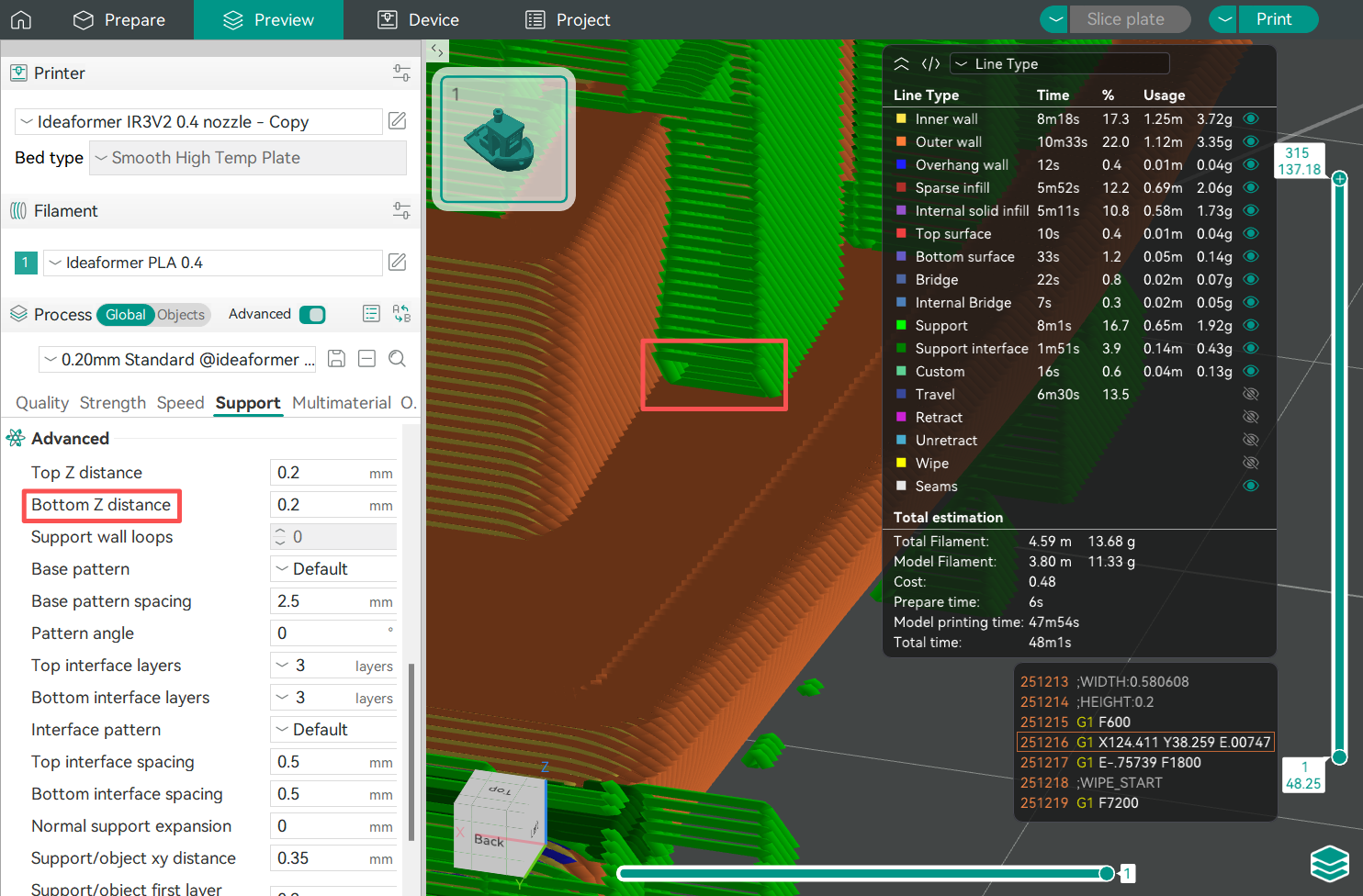
Support structures are essential in 3D printing, as you will inevitably encounter models with large overhangs.
¶ Why Use Support Filament
Support structures are critical in 3D printing. Some models have large-angle overhangs. To prevent the filament from sagging or deforming at the overhang areas due to gravity, these areas require additional support to ensure the printed part is formed correctly.
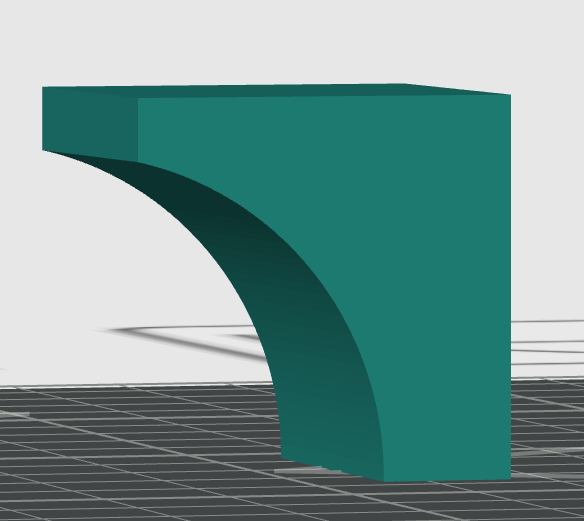
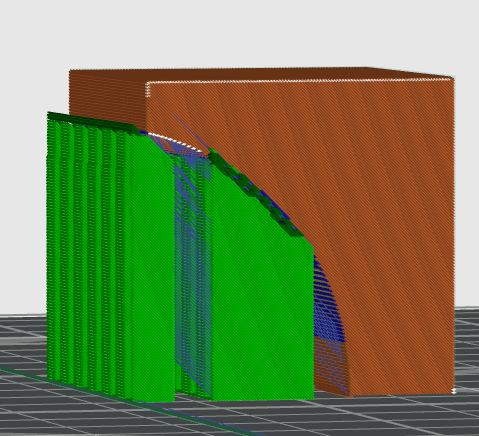
Support structures need to be removed after printing, so there must be a gap (Top Z Distance) between the model and the support. If the support filament is the same as the model’s main filament, when using default parameters, you need to balance easy removal and high-quality support surfaces, making it difficult to improve the printing quality of the support surface through parameter adjustments.
¶ Support Structure settings
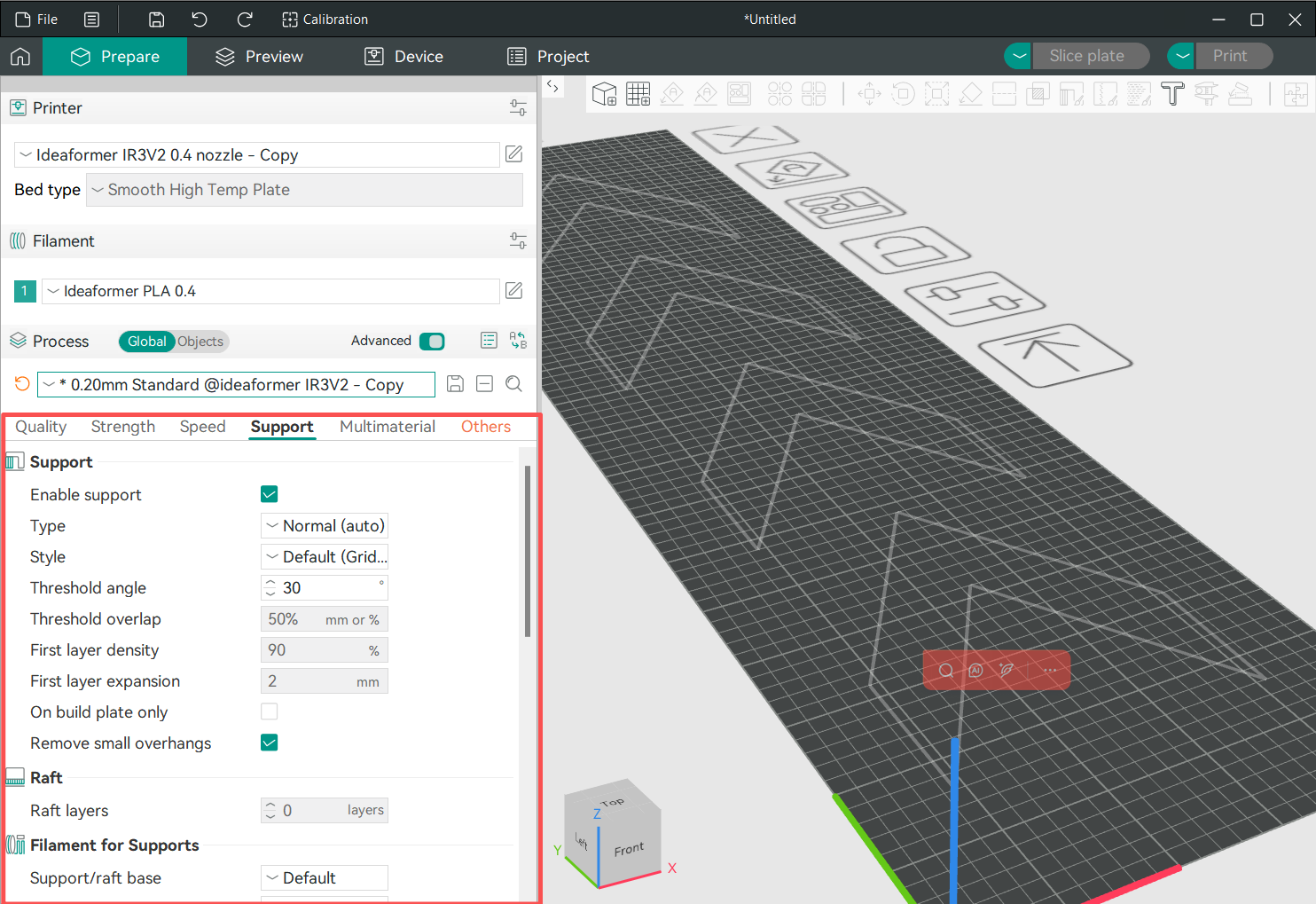
IdeaFormer-Orca features a full page of support settings, as shown below.
¶ Support types
There are two basic types of support structures: normal and tree. Currently, IdeaFormer-Orca only has normal support.
¶ Support Common Settings
¶ Threshold Angle
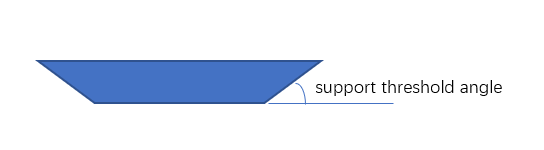
The threshold angle is the maximum slope angle that needs support. If a surface’s slope angle to the horizon is less than this threshold value, support will be generated when the support type is auto.
The larger this angle is, the more supports will be generated. The default threshold angle is 30 degrees. For most materials, this is a safe angle to print without support.
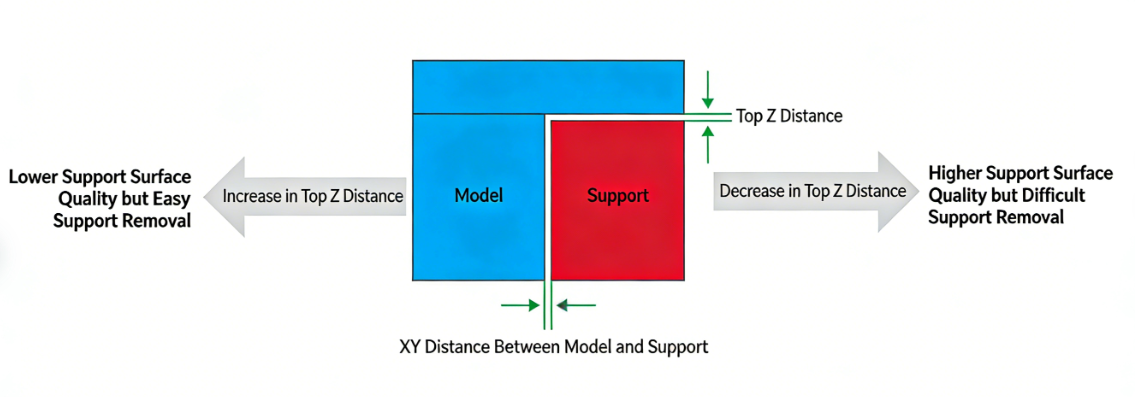
¶ Top Z distance & Support/object XY distance
The XY distance between the support and the object, and the top Z distance (that is, the Z-axis distance from the top of the support to the model)
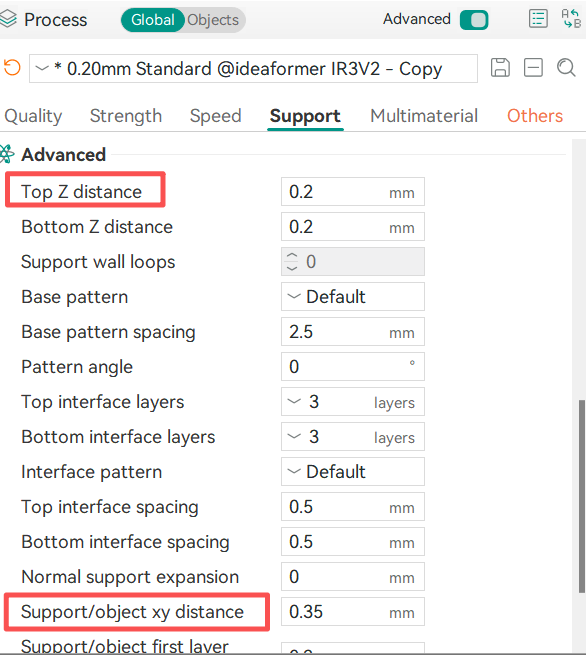
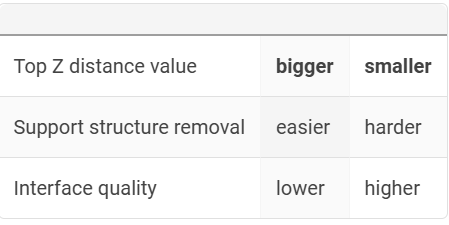
The greater the distance, the easier it is to dismantle the support (the farther the distance, the easier it is to dismantle).
¶ Bottom Z distance
The bottom Z distance and the top Z distance operate on the same principle. It is used to adjust the spacing between the support and the model when the support must be generated on the model.
Increasing this value can reduce the difficulty of removing the support, but the support printing process may be unstable; decreasing this value can enhance the stability of the support, but it will be more difficult to remove.